Step into the Kitchen
Share your culinary creations while earning additional income.

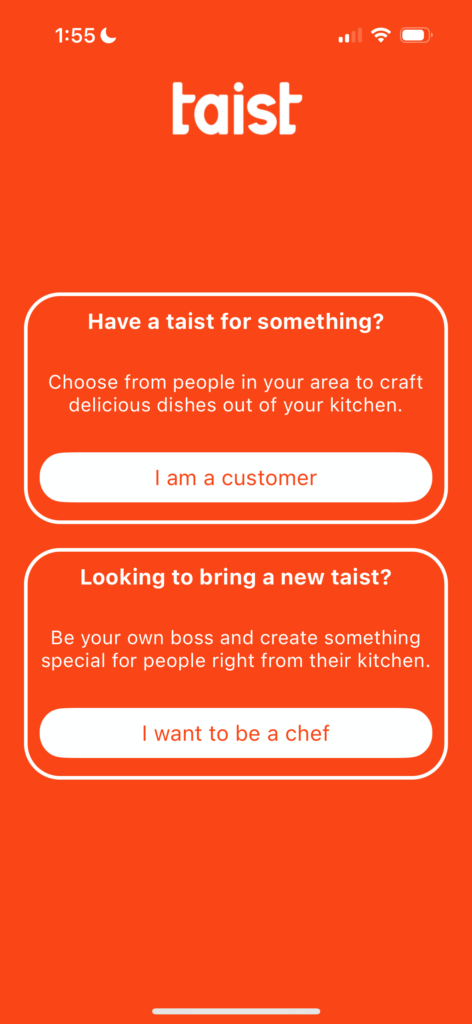
Step 1
Download Taist from Google Play or the App Store and start creating your chef profile! Smile for the camera!
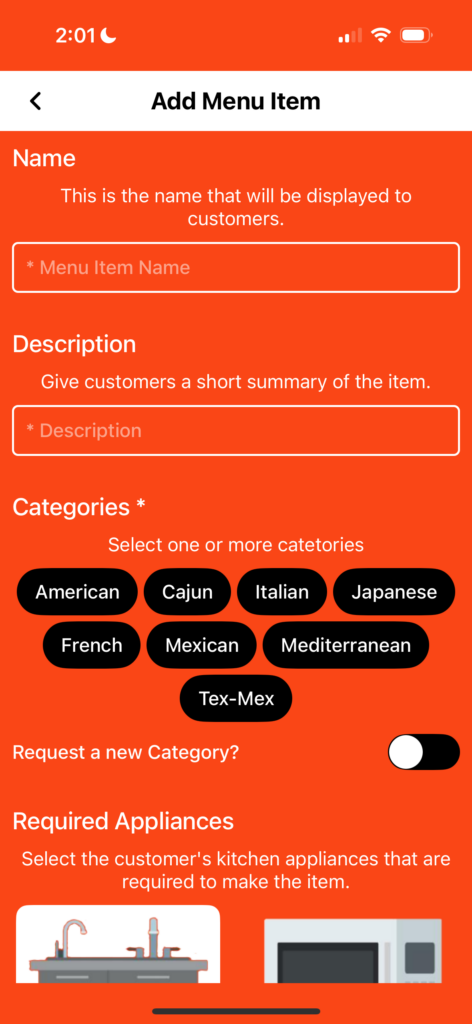
Step 2
Create your first menu item. Describe your item in detail (make it unique, make it sizzle!) For serving size, add how many people your item will serve. Make sure your price reflects your serving size.
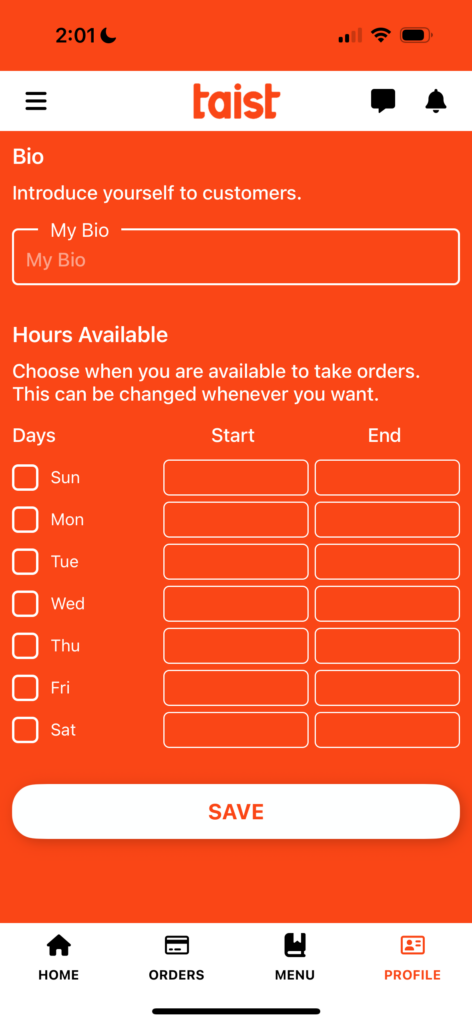
Step 3
Complete your profile by including a quick bio and your available hours to cook.

Step 4
To get paid, enter your email. You will receive a link to Stripe via email. Create your account on Stripe to link your bank account (instructions below).
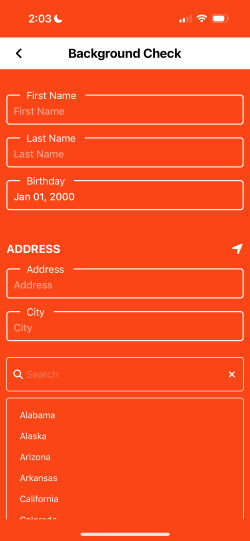
Step 5
Complete the background check.
Stripe Instructions
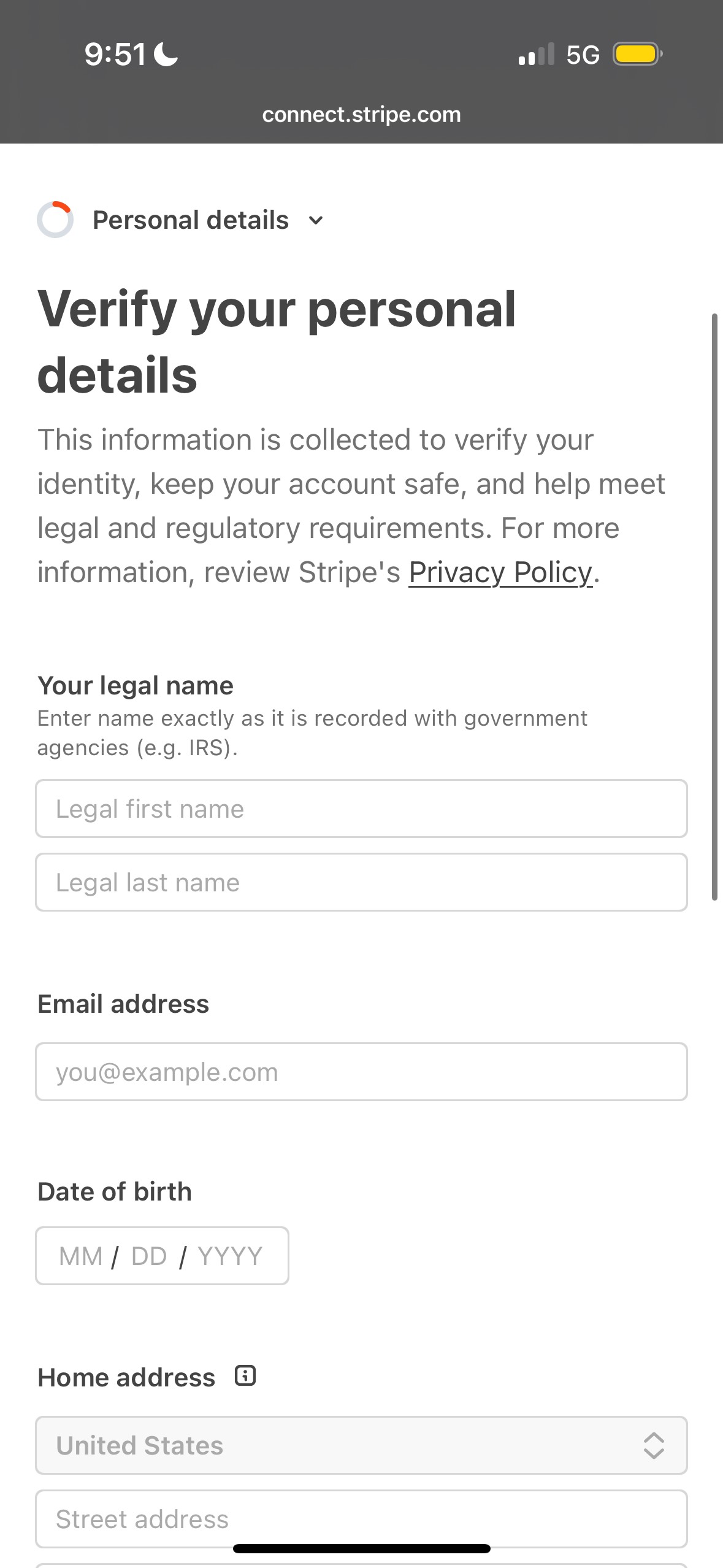
Step 1
When you open the link from Stripe via email, create your account.
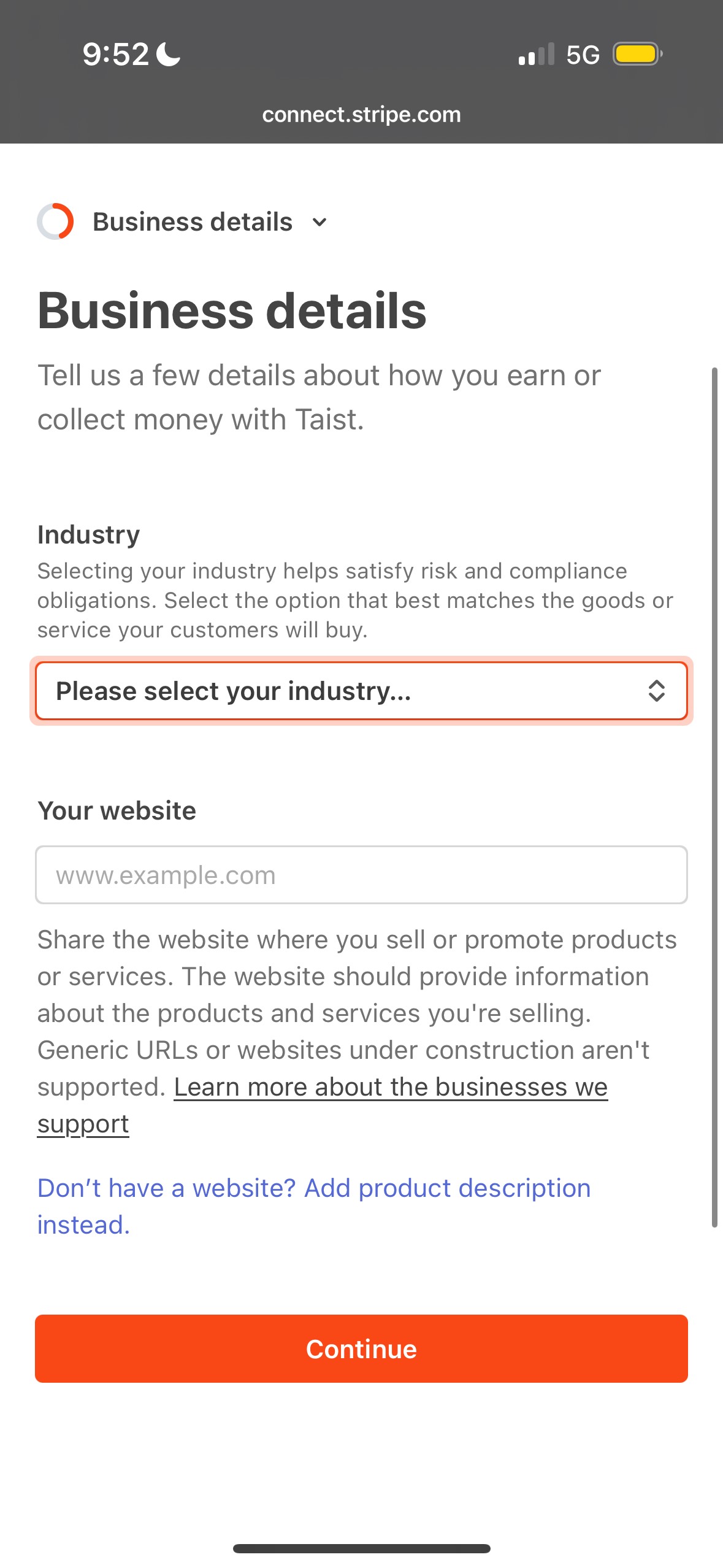
Step 2
In the Business details step, select the dropdown menu and select “Food and Drink”.
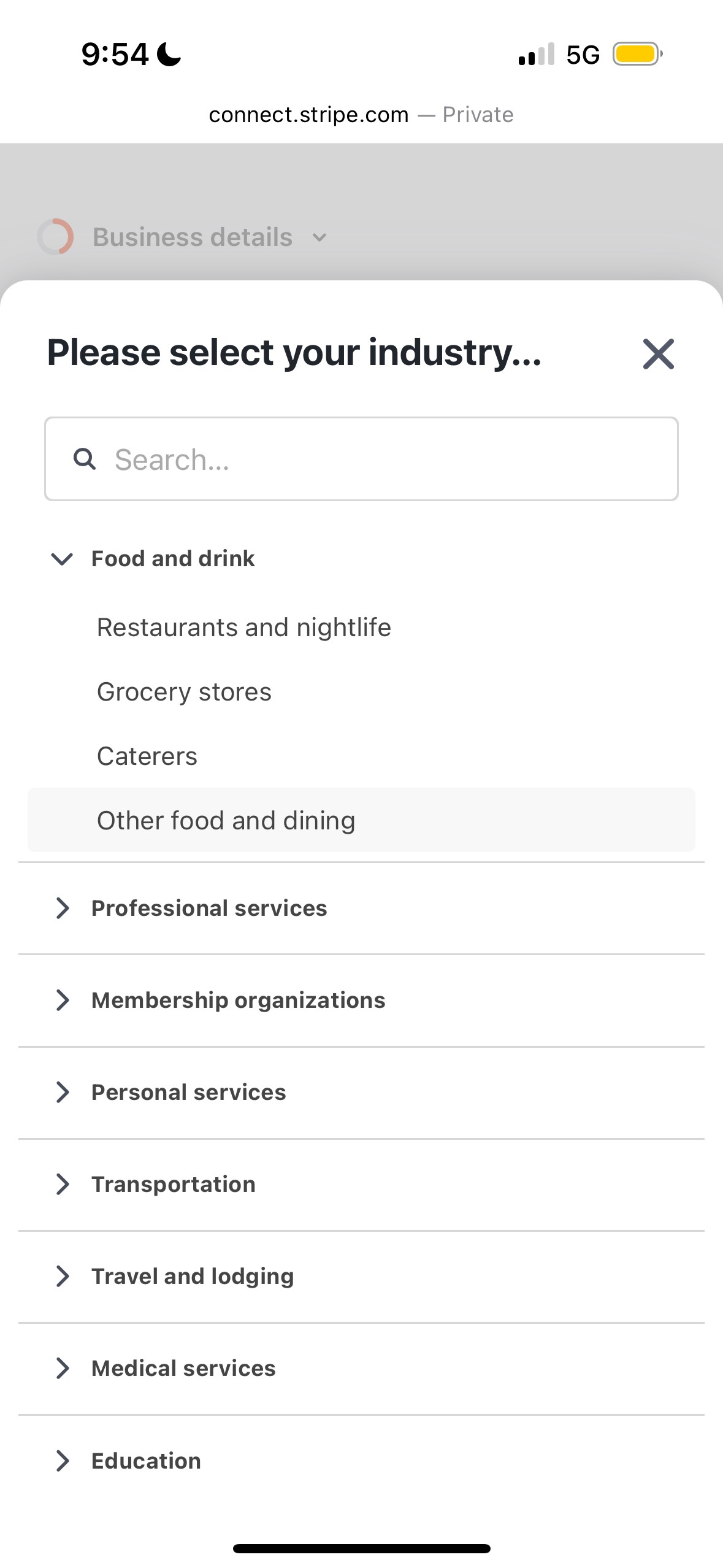
Step 3
Then, select “Other food and dining”. For website, type in “taist.app”.
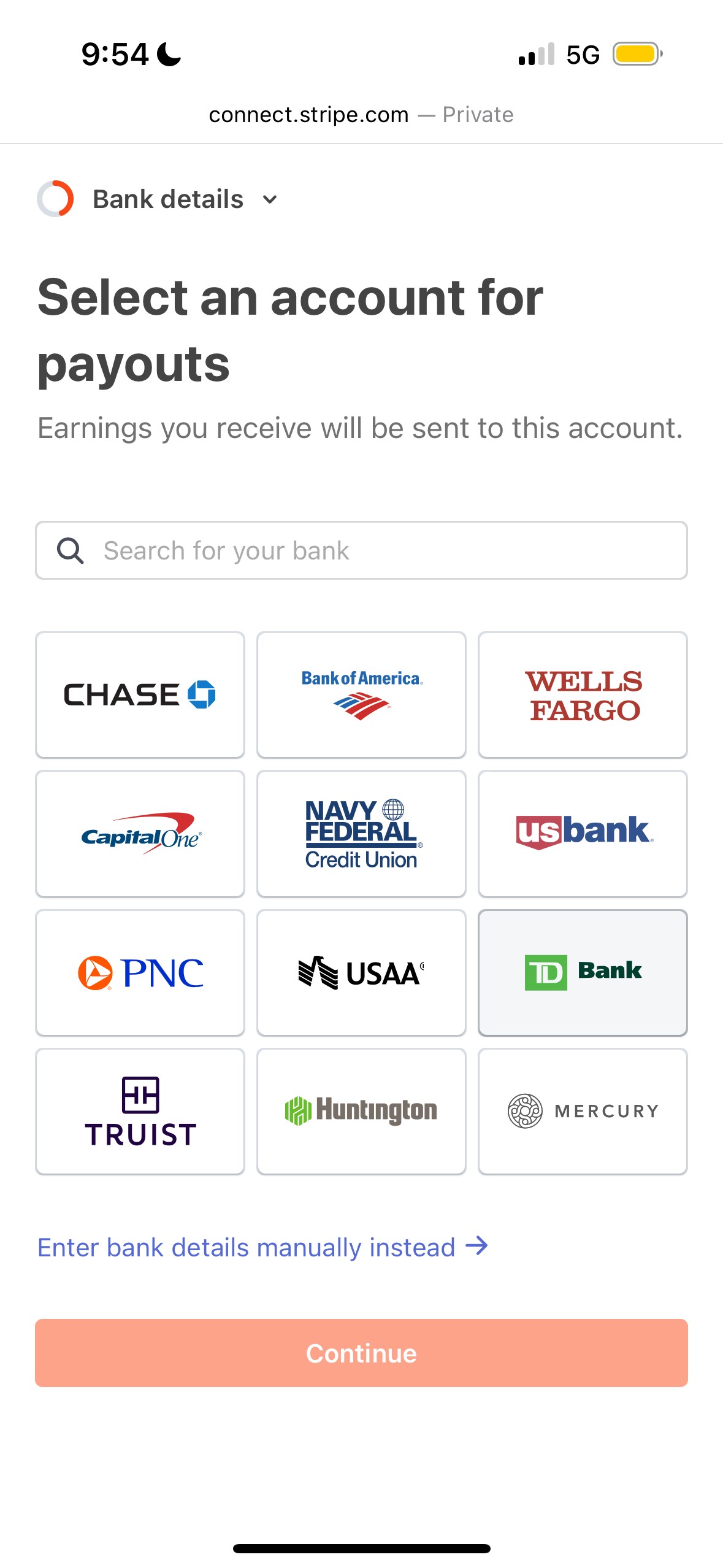
Step 4
Select your bank. You will be redirected to your bank’s website in order to link your bank account.
Watch the
Start-to-Finish Tutorial!
Got a Sizzling Question? Check out our FAQs!
Once you submit your background check on the app, you should be approved very soon. Please allow for up to 48 hours in some cases.
Yes! We wanted Taist chefs to worry more about what they make and less about when they need to work. Change your weekly availability whenever you need to.
You can contact Taist directly on the app from the Home tab.
Simply unmark your availability on the app from the Profile tab.
Everyday, we’re getting more customers, but try adding more menu items to show customers your variety. Be creative.
None. If you can cook, we want you (because we think other people will want you too.)
You will get notified from the Taist app when you receive an order. Go to the app to accept the order.
Yes. You can always accept or reject orders.
You can be notified a month out or the same day! There are plenty of orders to go around.
You can cancel your order or chat with your customer to reschedule. Your customer may ask you to cancel the order if they cannot reschedule.
Yes. It is important to keep ingredients on-hand or call out substitute ingredients on your menu item’s description.
You can chat with your customer directly on the app!
You can see payments for orders completed via the Taist app. Please allow 1-2 business days to pay out to your bank account. For first-time orders, it can take up to 7-14 business days to hit your bank account.